Composition
The right space in the right place
The clock, the Dock and the subject each get their own room. The wallpaper is composed for your model, as a guide you can trust.

Clock
Subject
Dock
Describe a feeling in your own words. Azo Scape makes an abstract wallpaper, composed for your exact screen. Or browse 10,000+ artworks.
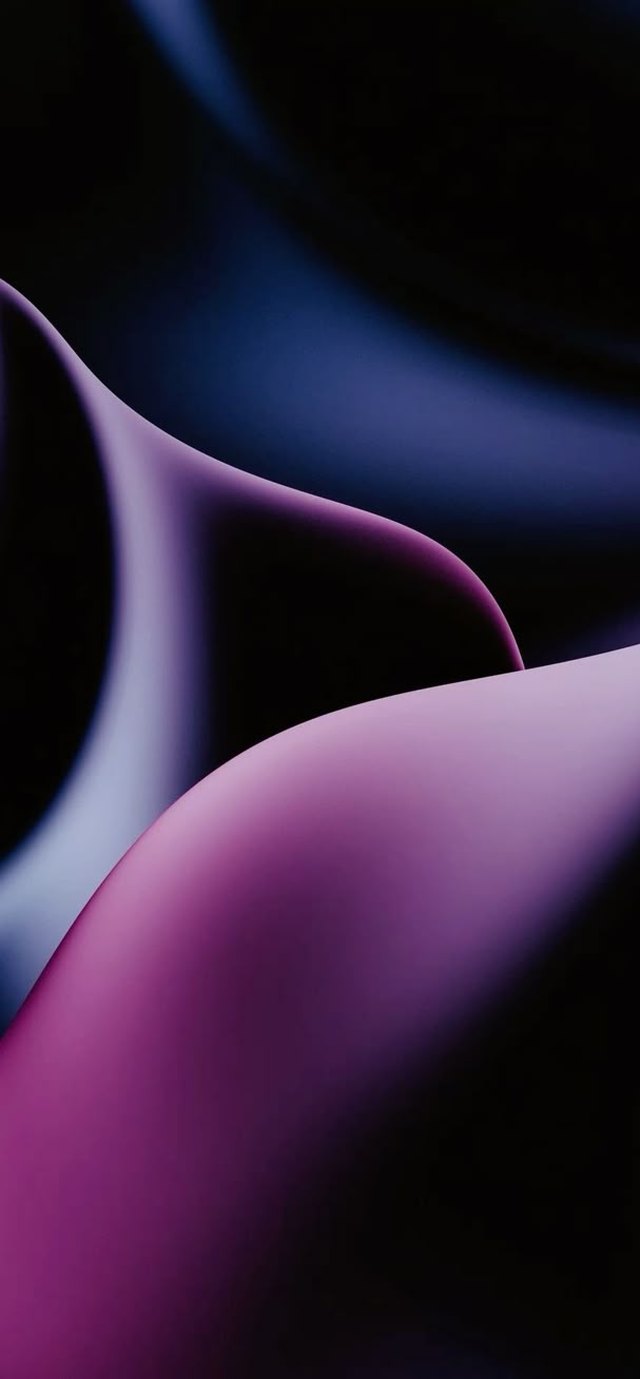
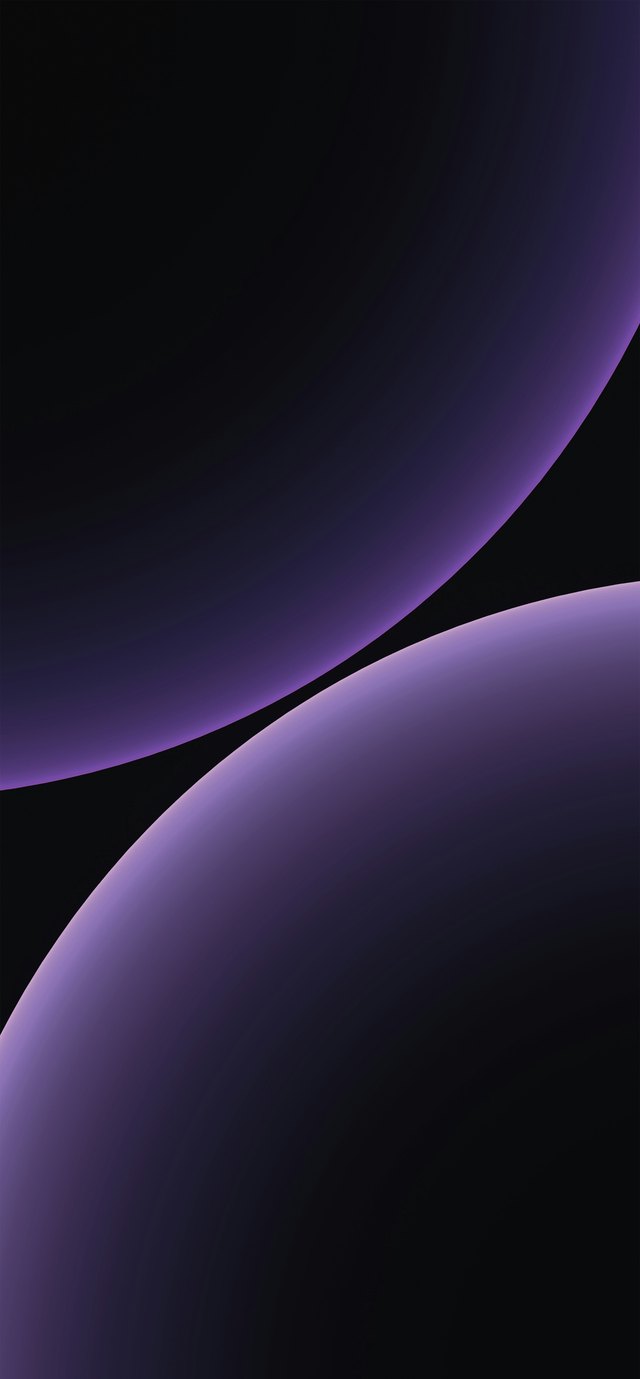


Every artwork is one calm gesture: a shape bigger than the screen, and a hairline of light.
Your words are the subject. The app only decides how it looks: light, edge and composition. In Swedish or English.
An illustration of the flow. The images come from the Azo Scape library.
The clock, the Dock and the subject each get their own room. The wallpaper is composed for your model, as a guide you can trust.
Every image is curated. Duplicates and near-copies are filtered out, so nothing you scroll past is noise.
Search in Swedish or English. Search runs inside the app, right on the phone.
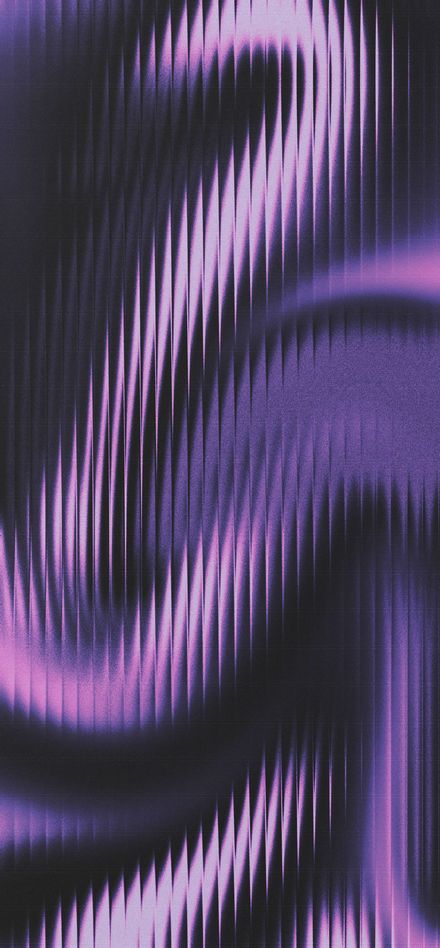
Save favourites and set them as wallpaper. The app can only add pictures, never read your library.
From muted tones to sharp accent colours against near-black. Every palette is built on the same brand colours.
The app uses iOS 26’s new glass material. The frame around the pictures stays flat and calm, so the artwork gets all the room.
A smooth gradient looks like fog. A hairline of light turns it into a glossy object. That is the whole trick, and it is why the wallpapers stay dark.
Forms sit far down the palette. The light lands on the silhouette, so they read as lit objects and not flat fields of colour.
Two different seeds are not two different pictures. So every candidate is compared with the rest before it makes the cut.
The edge line is about one pixel wide, whether you see it as a thumbnail or at full resolution on your screen.
Azo Scape is made for iPhone running iOS 26 or later, in portrait.
Open the Create tab, describe what you want to see in your own words and pick your screen. You can start from a style and a mood, or skip them. A draft is faster and cheaper, standard gives more detail.
Creating new wallpapers happens in the cloud and needs internet. Searching the library runs inside the app.
Only add. The app asks permission to save to Photos, and never reads your existing library.
Azo Scape is in development and will be released on the App Store. No date has been set yet.
Azo Scape is coming to iPhone. Stay tuned and you’ll see it first.
Coming to the App StoreQuestions or press? support@azoscape.app


